Build to learn
Concepts arrive inside a real project — a game, a site, an app — never as dry theory.
Three age-matched tracks, each built around real projects and taught live in classes of four. Kids don't just learn syntax — they learn to think, plan and build things they're genuinely proud of. Here's exactly what that looks like, year by year.
Every concept is introduced through something your child wants to build. Four principles shape every single lesson.
Concepts arrive inside a real project — a game, a site, an app — never as dry theory.
Kids move on when they're ready, not when a video ends. The path flexes to each learner.
Teachers coach problem-solving and debugging, so kids learn how to figure things out.
Every few weeks ends in a finished project your child can run, share and show off.
Not sure which fits? The free trial places them perfectly — no guesswork required.

The joyful first step. Kids go from drag-and-drop blocks to typing their very first real code, building animations and simple games along the way.
Perfect for total beginners. We start with visual blocks so there's an instant win, then gently introduce typed code so the leap feels natural, not scary.
Now the training wheels come off. Learners write real Python and meet the building blocks of the web, designing and publishing games and interactive projects they can share with friends.
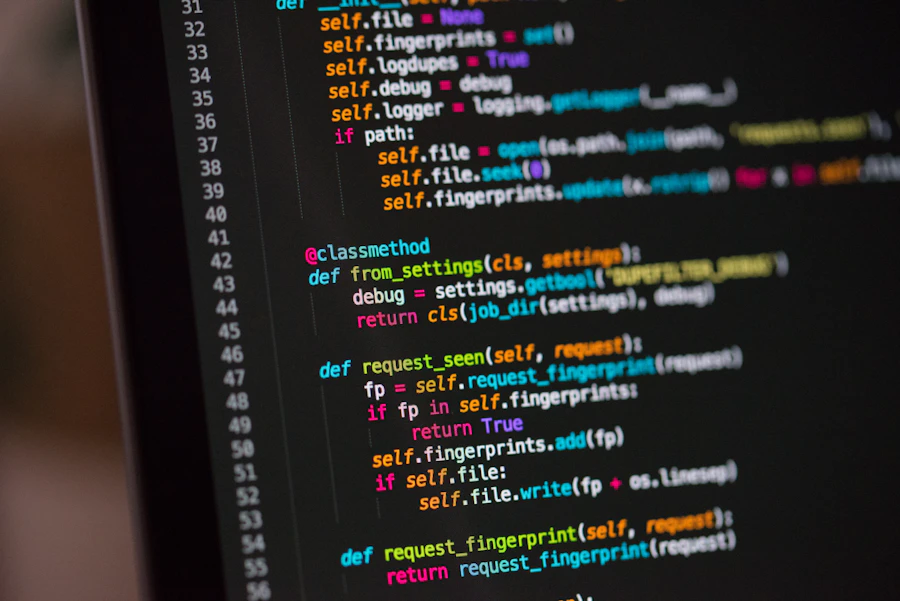
The confidence years. Real Python plus the basics of the web, all channelled into games and apps your child designs from scratch and publishes to share.

The portfolio years. JavaScript, real responsive websites and a safe, guided introduction to how AI actually works — building things that genuinely stand out.
Teens build a real portfolio. They learn JavaScript, ship interactive websites and apps, and explore a gentle, age-appropriate intro to AI — graduating with projects worth showing off.
Kids flow from one track to the next as they grow. Each stage builds directly on the last, so nothing is wasted and confidence compounds.
First wins with visual code build instant excitement. Coding becomes “the fun thing,” not homework.
Real languages turn ideas into shareable games and sites. Your child starts calling themselves a coder.
Apps, websites and AI projects form a genuine portfolio that impresses teachers and stands out.
By 14 they can plan and ship a project independently — a skill that pays off for the rest of their life.
45-minute sessions with the same teacher and the same small crew, so kids feel safe to ask anything.
Track completed projects and skills unlocked, plus a plain-English recap email after every lesson.
Everything your child builds is saved to a shareable portfolio they own — perfect for the proud-parent moment.
Optional bite-size challenges between classes keep momentum going without ever feeling like homework.
Life happens. Move any class with a couple of clicks, and pause your plan whenever you need to.
Milestones are celebrated with badges and end-of-track certificates that keep motivation sky-high.
One real 45-minute lesson is all it takes to place your child perfectly and see the spark for yourself. No card, no commitment.
Book your free trial lesson